Cool Nickname Generator
Font Categories
Nickname Generator
It was the kind of name that looked cool when I was 14 and felt embarrassing the moment I started taking ranked seriously. My squad mates never said anything out loud, but I could feel it. When someone with a clean, sharp name wiped us, the kill feed just looked better on their side.
One night after a particularly bad loss streak I finally opened my browser, typed “cool nickname generator”, and landed on a few tools. One of them was nickfinder-ff.com. I spent the next forty minutes generating names, testing combinations, and laughing at some of the wild ones that came up. By the end of the night I had a shortlist of five solid options. The next day I used a Name Change Card and never looked back.
If you’re still rocking a default name, an old edgy tag, or something that just doesn’t feel like you anymore, this is the guide I wish I had. I’m going to walk you through how cool nickname generators actually work in 2026, what makes a good Free Fire name, the mistakes I made (so you don’t have to), and exactly how to use tools like Nickfinder FF without wasting time or diamonds.
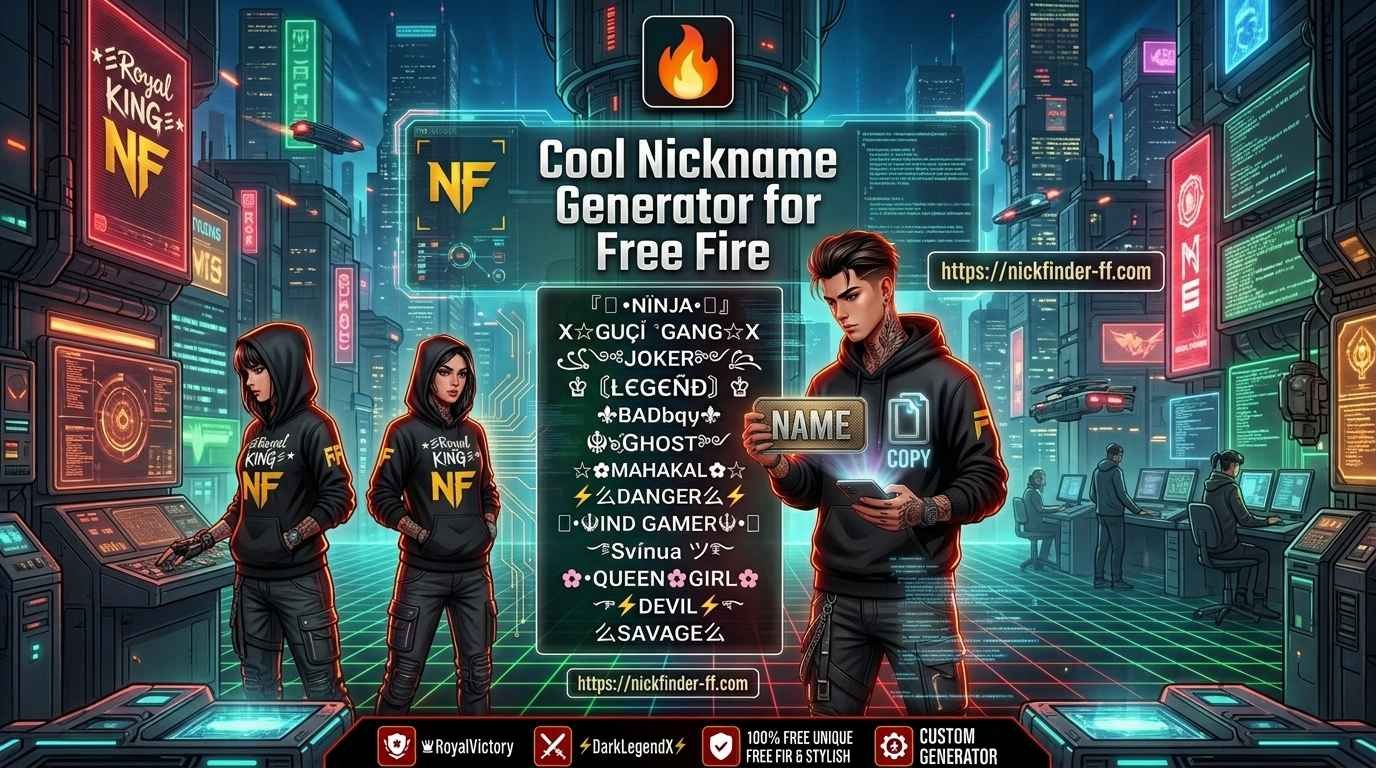
Why a Cool Nickname Generator Beats Random Guessing
Coming up with a good name from scratch is harder than it looks. You sit there thinking of words, adding symbols, deleting them, trying different fonts, and ending up with something that either looks messy or is already taken.
A solid generator does three things well:
- It shows you styles you wouldn’t have thought of yourself.
- It handles the Unicode symbols that actually work in Free Fire.
- It gives you volume — dozens or hundreds of options in seconds so you can compare side by side.
I’ve tried a lot of them over the last couple of years. Some are pure font converters. Others are full name libraries. The ones that work best for Free Fire understand the 12-character limit and focus on symbols that render cleanly on both Android and iOS.
Nickfinder-ff.com sits in that useful middle ground. It has a big collection of ready-made stylish names plus the ability to generate variations. You can scroll through hundreds of options or type something and see styled versions. That combination saved me a lot of trial and error.
My First Real Experience With a Nickname Generator
The first time I used one seriously, I made almost every beginner mistake.
I typed my real name, hit generate, and immediately fell in love with a version that had way too many symbols. It looked amazing in the browser. In Free Fire it either got rejected or showed up as boxes on some devices. I wasted a Name Change Card on a name that only looked good on my phone.
Lesson two: shorter is almost always better. Free Fire’s 12-character limit is strict. Every fancy bracket and symbol counts. A name that looks long and impressive on a website often fails when you paste it in.
After that failure I started being more systematic. I would generate a bunch of options, copy the ones that looked clean, paste them into the rename field one by one, and only keep the ones that the game accepted and still looked good at small size.
That process is what I still use today.
How Cool Nickname Generators Actually Work
Most of them take normal text and convert it into Unicode characters. These are special versions of letters and symbols that phones and games can display. Free Fire supports a good range of them, which is why we can have names with gothic fonts, small caps, frames like ꧁꧂, stars, and the classic gun tags.
A good Free Fire-focused generator does a few extra things:
- It prioritizes symbols that are known to work in the game.
- It often shows character counts or keeps suggestions under the limit.
- It gives you categories (pro style, dark, cute, aggressive, etc.).
- It lets you copy with one tap.
Some tools also offer invisible space characters, which some players use for spacing tricks. I’m more careful with those because they can behave differently across devices and updates.
When I open nickfinder-ff.com I usually start by browsing the ready-made lists first. Seeing hundreds of actual examples helps me figure out the current vibe faster than typing random words. Once I have a direction, I type a base word and generate variations.
Step-by-Step: How I Use a Cool Nickname Generator Now
Here’s the exact process I follow every time I want a new name or help a friend pick one.
- Decide the feeling, not the exact words
Do you want something aggressive? Clean and pro? Mysterious? Funny? Short and sharp? Write that down. It stops you from chasing every shiny option. - Open the generator on your phone browser
I prefer doing this on the same device I play Free Fire on. That way the preview is closer to how it will actually look. - Browse first, type second
Look at the popular or ready-made names. Notice what styles keep appearing. In 2026 a lot of the better ones are cleaner — short frames, one strong word, light use of symbols. - Type a base word (keep it short)
Four to seven letters works best. Examples I use a lot: Vex, Raze, Frost, Nova, Blaze, Phantom, Zero, Shadow, Venom. - Generate and collect options
Copy five to ten that look promising into a notes app. Don’t fall in love with the first one. - Test inside Free Fire
Open the rename screen and paste each candidate. Check:- Does it fit in 12 characters?
- Does every symbol show correctly?
- Does it still look good when the text is small?
- Sleep on it
I’ve changed names in the heat of the moment and regretted them. If you still like it the next day, it’s usually a keeper.
This process takes maybe twenty minutes once you’re used to it. It’s a lot better than staring at a blank name field for an hour.
What Makes a Nickname Actually Cool in Free Fire Right Now
Trends move. A few years ago the meta was heavy symbol stacking. Now the names that stand out are cleaner and more readable.
What works well in 2026 from what I see in ranked lobbies and custom rooms:
- Short framed names: ꧁Name꧂
- Light bookends: ★彡Name彡★ or 乂Name乂
- Clean bold or gothic fonts without too much extra
- One strong symbol used with intention (gun tag, star, small crown, etc.)
- Names that are easy to say in voice chat
What tends to look dated or messy:
- Too many different symbols fighting each other
- Super long constructions that get cut off
- Overused exact copies of popular pro names
- Fonts that turn into boxes on some phones
A good generator helps you stay on the right side of that line by showing you volume and letting you compare quickly.
Real Examples From My Own Experiments
Here are a few directions I’ve personally tested or helped friends with.
Clean competitive feel
Short base + simple frame. Easy to read in the kill feed and still looks sharp.
Aggressive rusher vibe
Something with energy or sharp edges. Still kept under the character limit so it doesn’t become noise.
Dark / mysterious
Gothic or small-caps fonts with minimal decoration. These age better than heavy skull-and-fire designs.
Squad / clan tagged
Small prefix or superscript + personal name. Keeps identity clear while showing the group.
The best results always came when the name matched the player’s actual style instead of just looking “cool” in isolation.
Common Mistakes I See (and Made Myself)
- Falling for the longest, flashiest option
It looks impressive on the generator page. In the lobby it becomes hard to read. - Not testing on the actual game
Browser previews can lie. Always paste into Free Fire’s rename field. - Ignoring the 12-character rule
Every symbol counts. Count carefully or let the game tell you. - Changing names too often
Name Change Cards cost resources. Pick something you can live with for a while. - Copying a famous player’s exact name
It’s rarely available and usually looks try-hard. - Using symbols that only work on one device
Some rare Unicode characters break on certain Android skins or iOS versions. - Forgetting about voice chat
If your teammates can’t pronounce or type your name easily, it creates friction.
I learned most of these the expensive way. You don’t have to.
How to Change Your Name Once You Have a Good One
Once the generator has given you a solid option and you’ve tested it:
- Make sure you have a Name Change Card (diamonds or guild store / events).
- Open Free Fire → your profile.
- Tap the pencil next to your current name.
- Clear the old name and paste the new one.
- Confirm and pay if required.
Extra Tips That Actually Help
- Keep a shortlist of three good names in your notes app. You never know when you’ll want to change again.
- If you stream or post clips, choose something searchable and easy to spell.
- Match the energy of your main playstyle. A sniper name on a pure rusher account feels off after a while.
- Check how the name looks in the kill feed and in the lobby list. Those are the places it matters most.
- Some generators update their libraries regularly. Worth checking back every few months for fresh styles.
Why I Keep Coming Back to Tools Like Nickfinder FF
There are plenty of fancy text sites out there. The ones focused on Free Fire tend to understand the practical limits better. They show names that have a higher chance of working in-game and they give you enough volume that you can find something personal instead of settling for the first “cool” option.
I still open nickfinder-ff.com when friends ask for name ideas or when I’m helping someone rebrand an account. It’s fast, it has a big library, and it doesn’t require downloads or logins. That combination is hard to beat for this specific use case.
Final Thoughts From Someone Who’s Changed Too Many Names
A nickname is a small thing that somehow feels big. It sits in every lobby, every kill feed, every friend request. When it finally matches how you want to be seen, the game just feels a little better.
You don’t need the rarest symbol or the most complicated design. You need something clean, readable, and a little bit you. A good cool nickname generator makes that search faster and less painful.
Open one up, play around for twenty minutes, test a few options properly, and pick something you won’t mind seeing for the next few seasons. That’s the real win.
And when you finally drop into a match with the new name and it looks right in the kill feed after a clutch… yeah, that small moment is worth the effort.