Free Fire Name Generator
Font Categories
Free Fire name Generator
Welcome to my Free Fire Name Generator I still remember the exact moment I decided my Free Fire name was trash From “Rahul_FF07” to a name that actually feels like you — the complete guide.It was a ranked match on Bermuda. My squad was doing well. We wiped one team, then another. Suddenly a guy with the name ꧁༒•Phantom•Killer•༒꧂ dropped on us from nowhere and cleaned house. After the match he sent a friend request. When I looked at my own profile I felt embarrassed. My name was just “Rahul_FF07”. Plain. Forgettable. Looking like I had created the account in 2019 and never touched it again.
That night I started searching for a proper Free Fire name generator. I tried a bunch of random sites, copied weird symbols that Free Fire rejected, spent diamonds on name change cards that got wasted, and ended up with names that looked cool on the website but turned into boxes or disappeared inside the game. It took me a few weeks of trial and error before I found a reliable way to do it. The tool that finally stuck for me (and for a lot of players I later showed it to) was Nickfinder FF at https://nickfinder-ff.com/.
If you are tired of looking basic in the lobby, this is the guide I wish someone had written for me years ago.
Why Your Free Fire Name Actually Matters
Free Fire is not just about aim and movement. The name is the first thing people see when you land, when you kill them, or when they check the leaderboard. A clean, stylish name makes you look like you take the game seriously. It also makes it easier for teammates and clan members to remember you.
I have seen average players get invited to better squads simply because their name looked pro. I have also seen strong players get ignored because their name looked like a default guest account. Perception matters more than we like to admit.
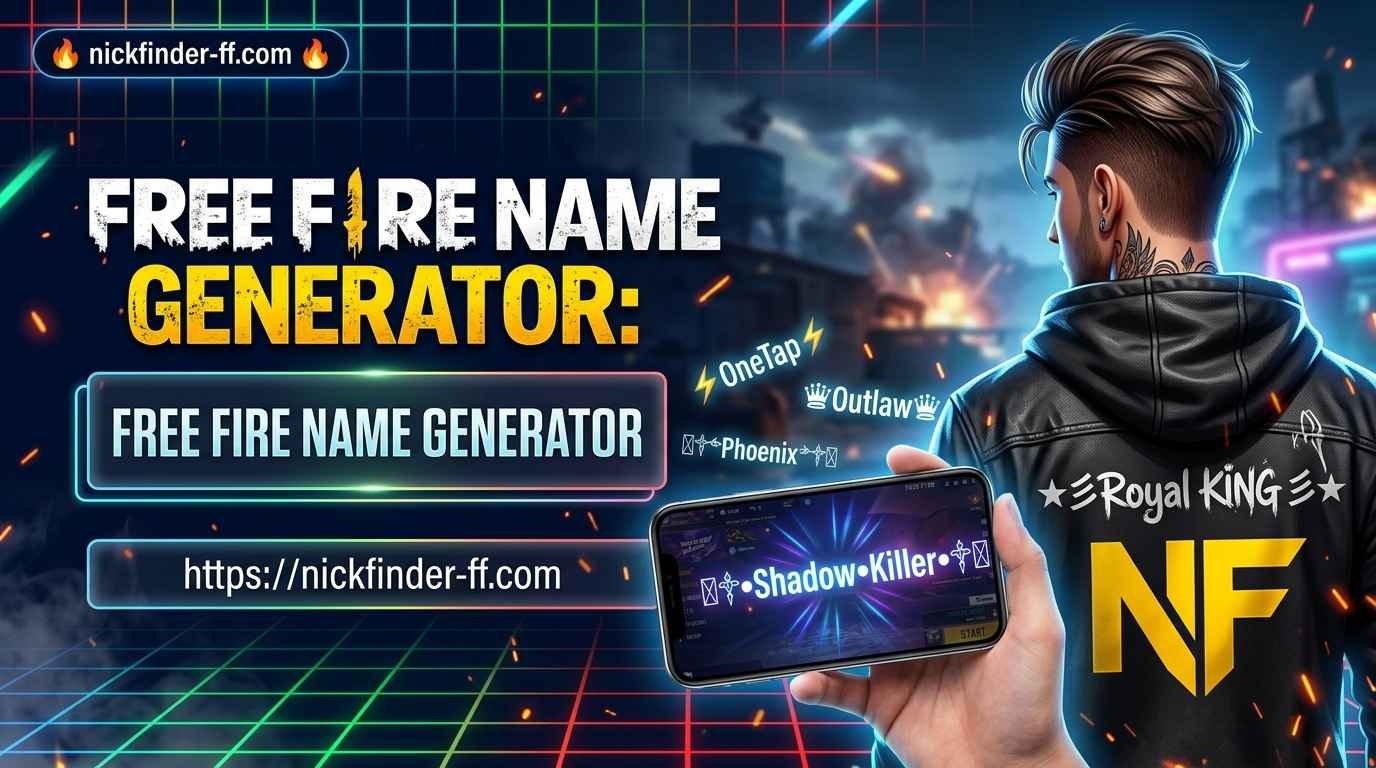
- Special Unicode fonts or symbols that stand out
- A clean length (Free Fire has character limits)
- Something that reflects your play style or personality
- No banned or broken characters that the game rejects
The right Free Fire name generator helps you hit all of those points without sitting there for hours typing random symbols.
My Early Mistakes With Free Fire Name Generators
Before I found a solid tool, I made almost every possible mistake.
- First mistake: copying names from random Instagram pages or YouTube comments. Half of them used symbols that Free Fire does not support. When I pasted them, the game either showed boxes or refused the name completely. I wasted two name change cards that way.
- Second mistake: making the name too long and complicated. I once created something with so many symbols that it looked amazing on the generator site but became almost unreadable in the game lobby. Teammates kept calling me “that guy with the weird name.”
- Third mistake: using the same popular styles that everyone else was using. For a while every second player had names with ꧁༒ and ꧂. It stopped feeling unique.
The biggest lesson I learned is that the generator is only half the job. You still need to test the name inside Free Fire before confirming it.
What Makes a Good Free Fire Name Generator
After trying many tools, I settled on a few things that actually matter:
- Large collection of ready-made stylish names
- Ability to type your own word and convert it into different fonts and styles
- One-tap copy
- Names that are already tested for Free Fire compatibility
- Separate sections for different vibes (cool, stylish, attitude, pro, girl, etc.)
Nickfinder FF checks most of these boxes. The main page at https://nickfinder-ff.com/ gives you thousands of ready options and tools to customize. They also have dedicated pages that I use regularly:
These pages make it easy to switch between different moods depending on what you want that day.
How I Use Nickfinder FF Step by Step
Here is the exact process I follow now whenever I want a new name.
- Open https://nickfinder-ff.com/ on my phone browser.
- Scroll through the ready-made lists first. Sometimes a name already hits the vibe I want and I just copy it.
- If nothing feels personal, I type a base word (my name, a favorite weapon, a play style word like “Shadow” or “OneTap”).
- I look at the different font and symbol versions that appear.
- I shortlist 4–5 options.
- I open Free Fire, go to profile, and paste each one into the name change field without confirming. This is the real test.
- Whichever one displays cleanly and looks good in the actual game UI is the winner.
- I confirm only after checking it in the lobby and in a custom room if needed.
This whole process usually takes less than five minutes once you get used to it.
Different Styles and When to Use Them
Not every name fits every player. Here is how I think about styles after years of changing names.
These are my personal favorites for ranked and clan play. They look sharp without looking try-hard. The cool nickname generator page is perfect for this. Names with simple symbols, clean fonts, and short length work best here.
These use more decorative symbols and bold fonts. They look great if you stream or post clips. The stylish name page has a lot of these. Just be careful not to go overboard or the name becomes hard to read.
Short, sharp names with words like Pro, Ace, Ghost, Reaper, or simple symbols. These are popular among serious ranked players. They are easy to remember and look serious in the kill feed.
Softer symbols, hearts, stars, and elegant fonts. The stylish name page has dedicated sections for these. Many female players (and some male players who just like the aesthetic) prefer this direction.
Clan or duo matching names: If you play with the same squad every day, matching styles look strong. You can take a base word and generate matching variations for everyone.
Real Examples From My Own History
Here are a few names I have used over the years and what I learned from each:
- Early name: Rahul_FF07 – completely forgettable.
- First generator attempt: something with too many broken symbols – rejected by the game.
- Better attempt: a clean ꧁༺Shadow༻꧂ style – looked good but felt generic after a month.
- Current direction: shorter names with one strong symbol and a personal word. Easier to type, easier for others to remember, still looks styled.
I have also helped friends create names. One friend wanted something aggressive. We used the attitude sections and settled on a name that mixed “Venom” with clean symbols. Another friend wanted something cute for her main account. The girl-style sections on the stylish name page gave us several good options in under two minutes.
Common Mistakes Most Players Still Make
Even with a good Free Fire name generator, people keep running into the same problems:
- Not testing the name inside Free Fire before spending the name change card. Always paste it first.
- Making the name too long. Free Fire has limits and long names get cut off or look messy.
- Using the exact same popular name that already has hundreds of players. Add a personal twist.
- Changing the name too often. It can confuse your regular teammates and clan.
- Forgetting that some symbols look different on different devices. What looks perfect on your phone might look slightly different on someone else’s.
- Copying names that contain invisible or zero-width characters without understanding them. Sometimes these cause issues later.
Extra Tips That Actually Help
- Keep a small list of backup names in your notes app. If you ever need to change quickly, you already have tested options.
- Check the name in both portrait and landscape if you play on different devices.
- If you are creating a YouTube or content creator name, keep it readable. Viewers need to be able to type it or remember it.
- Avoid names that can be easily misspelled or that use characters people cannot type.
- Update your name when your play style or rank changes. A name that fitted when you were Gold might feel wrong once you reach Heroic or Grandmaster.
How Name Changing Works in Free Fire
You need a Name Change Card. You can get these from:
- Login rewards (especially the 7-day streak)
- Events and special offers
- The in-game store sometimes
Once you have the card:
- Open Free Fire and go to your profile (top left).
- Tap the pencil icon next to your current name.
- Paste the new name.
- Confirm.
That’s it. The change is instant.
FAQs Players Actually Ask
Yes. You can generate and copy names without paying anything.
Most of the Unicode-based names on the site display correctly. Always test before confirming.
Many of them work on other mobile games that support special characters, but Free Fire is the main focus.
As often as you have name change cards. There is no hard limit from the game itself beyond the card requirement.
Some symbols or combinations are blocked. That is why testing inside the game is important.
Yes. The stylish name page has dedicated sections with softer and aesthetic styles that many female players prefer.
Yes. Generate a base style and then create variations of the same theme for each member.
No. Everything works in the browser on phone or PC.
Combine a personal word (your name, favorite skin, or city) with a less common symbol style. The generators help a lot with this.
As long as you only copy the text and paste it into Free Fire, yes. Do not download random APKs or enter personal information on sketchy sites.
Final Thoughts From Someone Who Has Been There
A Free Fire name is a small thing, but it sits on your profile every single match. Getting it right feels good. Looking at a clean, stylish name that you actually like makes the game a little more enjoyable.
I went from a boring default-style name to something that feels like mine by using generators the smart way — testing everything, keeping it readable, and not chasing every new trend. The tools on Nickfinder FF made that process much easier than the messy trial-and-error I started with.
If your current name no longer feels right, open https://nickfinder-ff.com/, try a few styles from the stylish, cool, or nickname style pages, test them properly, and change it. You will probably feel the difference the next time you land and see your name in the squad list.
That is the whole point. Not to look fancy for the sake of it, but to have a name that actually feels like you when you play.